01

Pick a video
Drop in a clip or choose up to 20 from your library. Portrait, square or landscape — it all works.
Drop in a clip and Just Captions listens, transcribes, and lays down clean, readable subtitles automatically. No timeline. No editing skills. Up to 20 videos at once.
Browser tool: processed locally. Engine downloads once.
The in-browser captioner is built for desktop browsers. On your phone, the Just Captions app does it faster — and unlocks editing and styles, plus Pro watermark removal and batch export.
Prefer the browser tool? Open this page on a laptop or desktop.
Want to change text length, change style, or batch process? Get it free on the App Store.
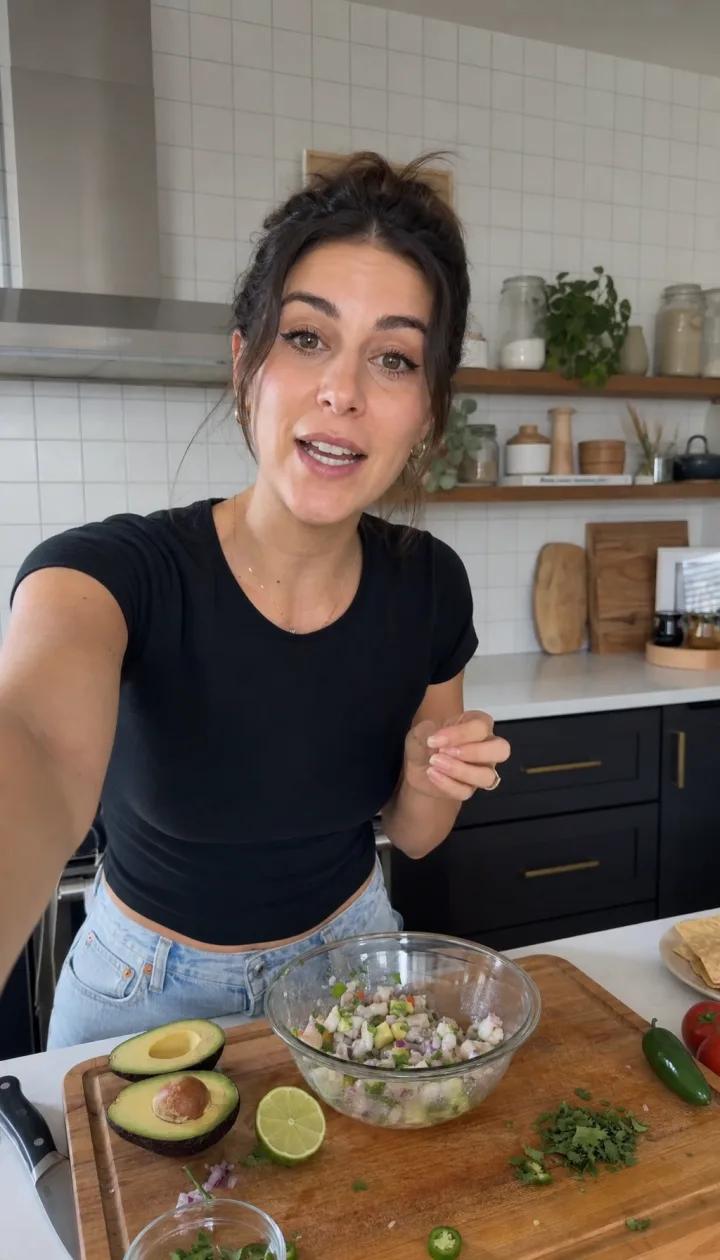 it's SO easy
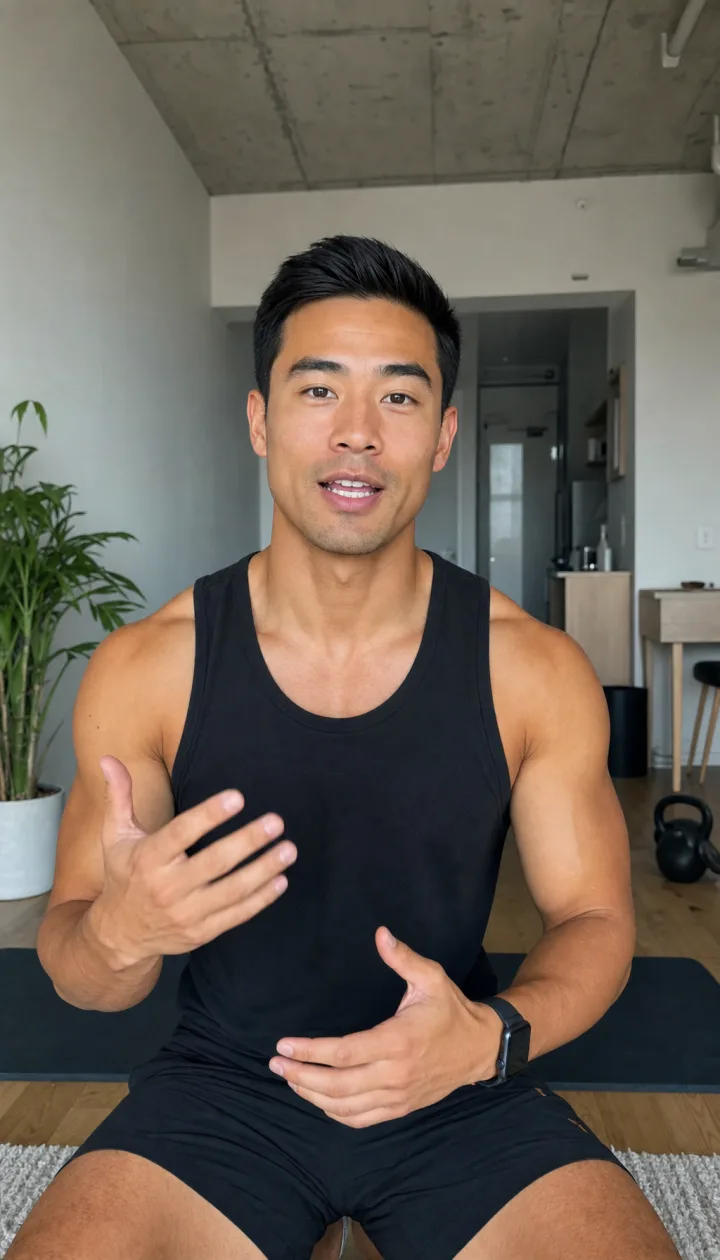 three sets, let's go
 best street in town
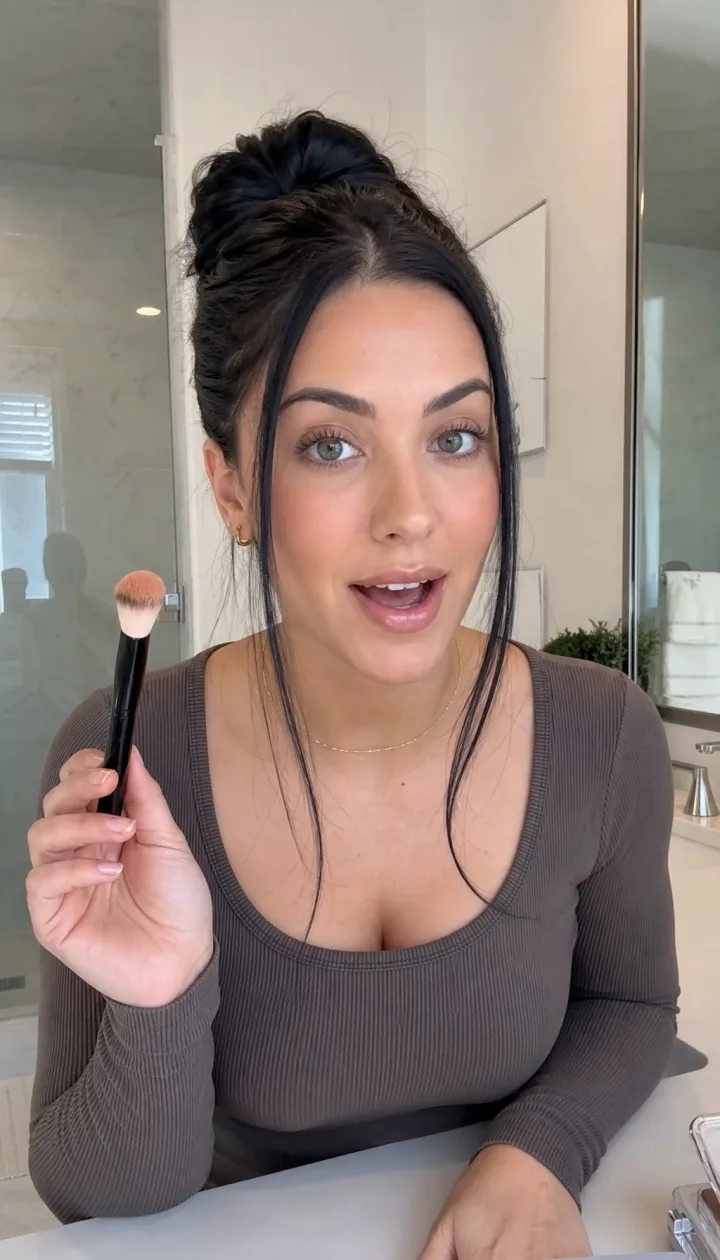 one product, done
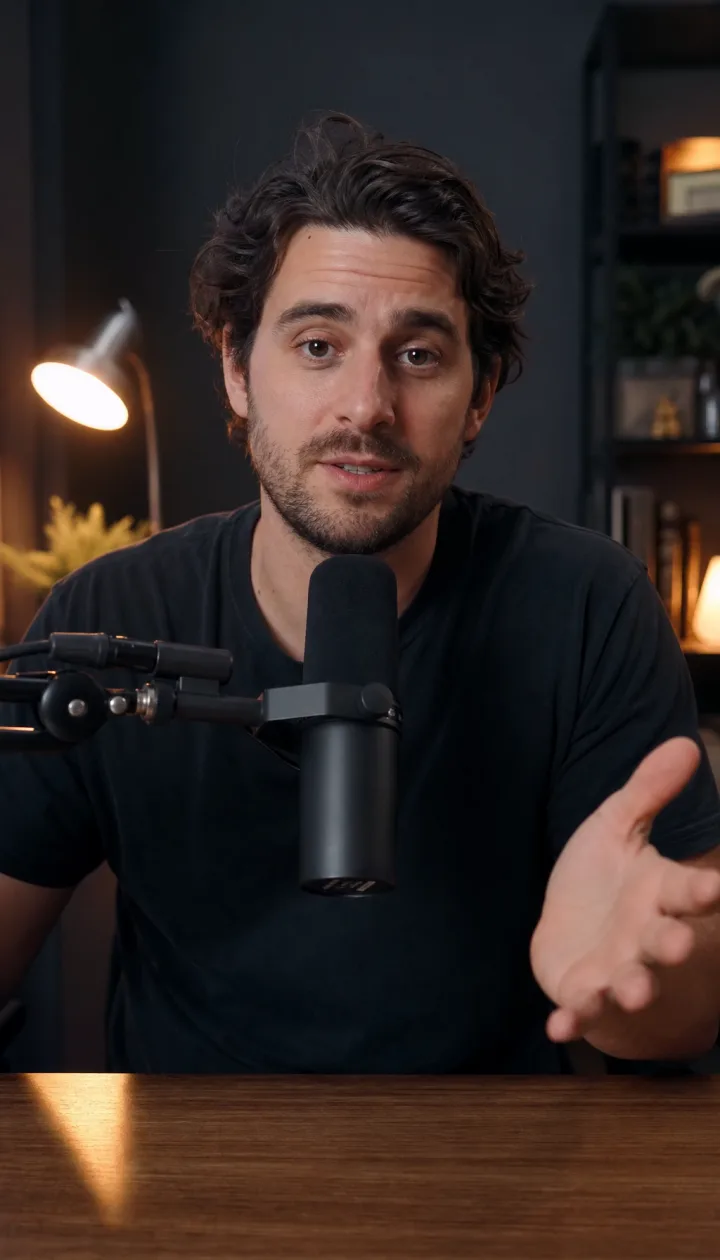 here's the thing
Drop in a clip or choose up to 20 from your library. Portrait, square or landscape — it all works.
 creating subtitles…
Just Captions listens, transcribes the speech, and times clean subtitles to every word — automatically.
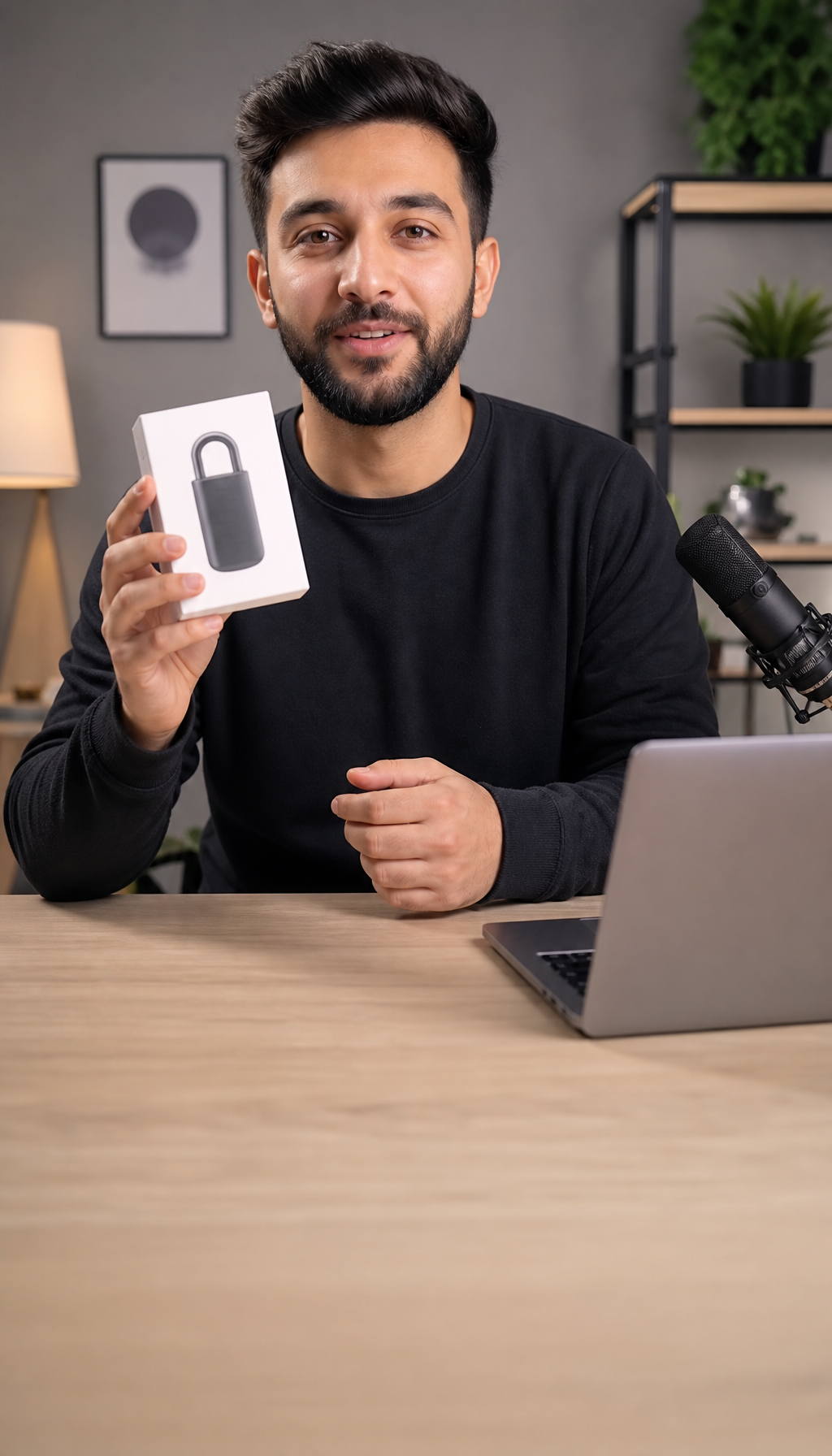
Tweak a word if you want, pick a style, and export burned-in captions ready for TikTok, Reels or Shorts.
No timeline, no scrubbing, no manual typing. Just Captions transcribes your speech and times every line for you — so a finished clip is a minute away, not an evening.
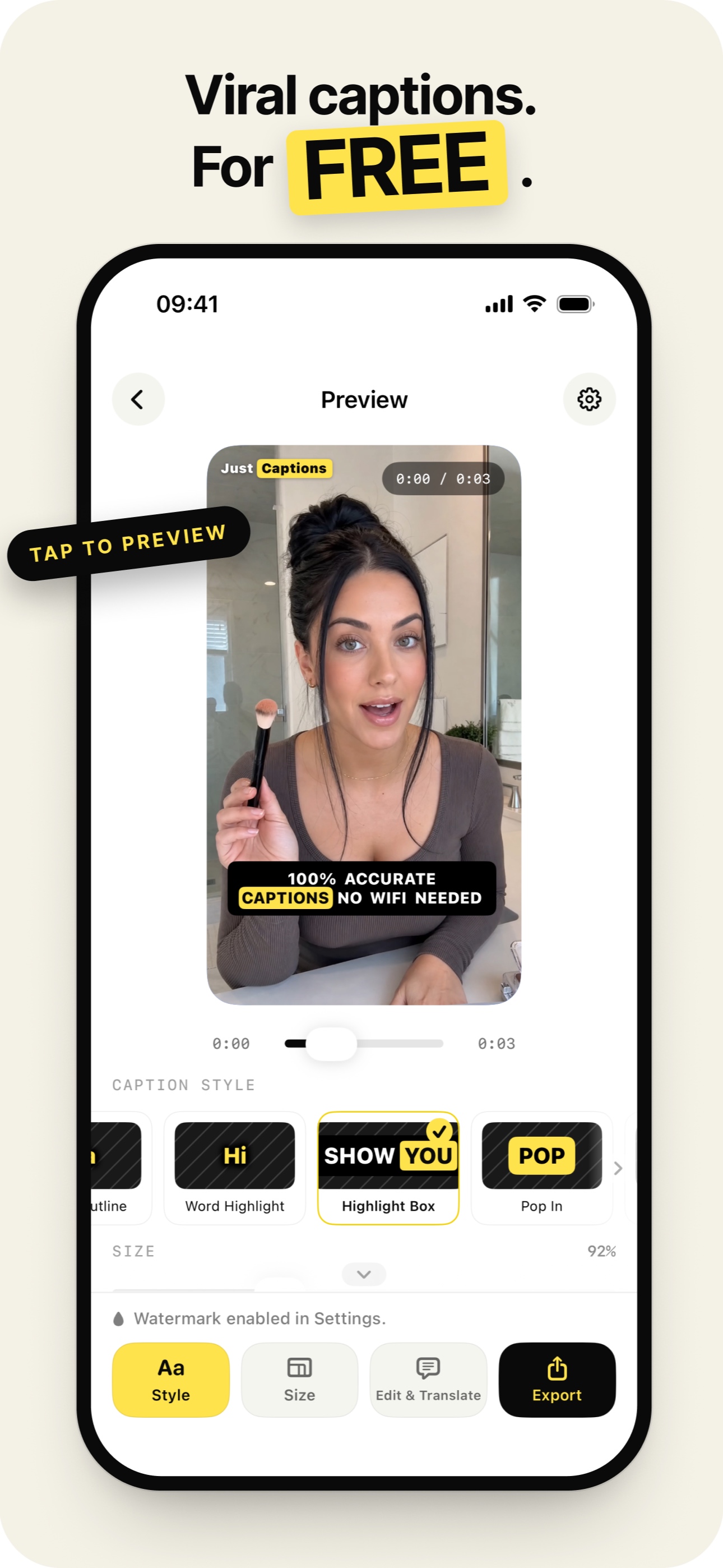
Turn finished captions into another language with AI, while keeping the same timing and readable caption style.
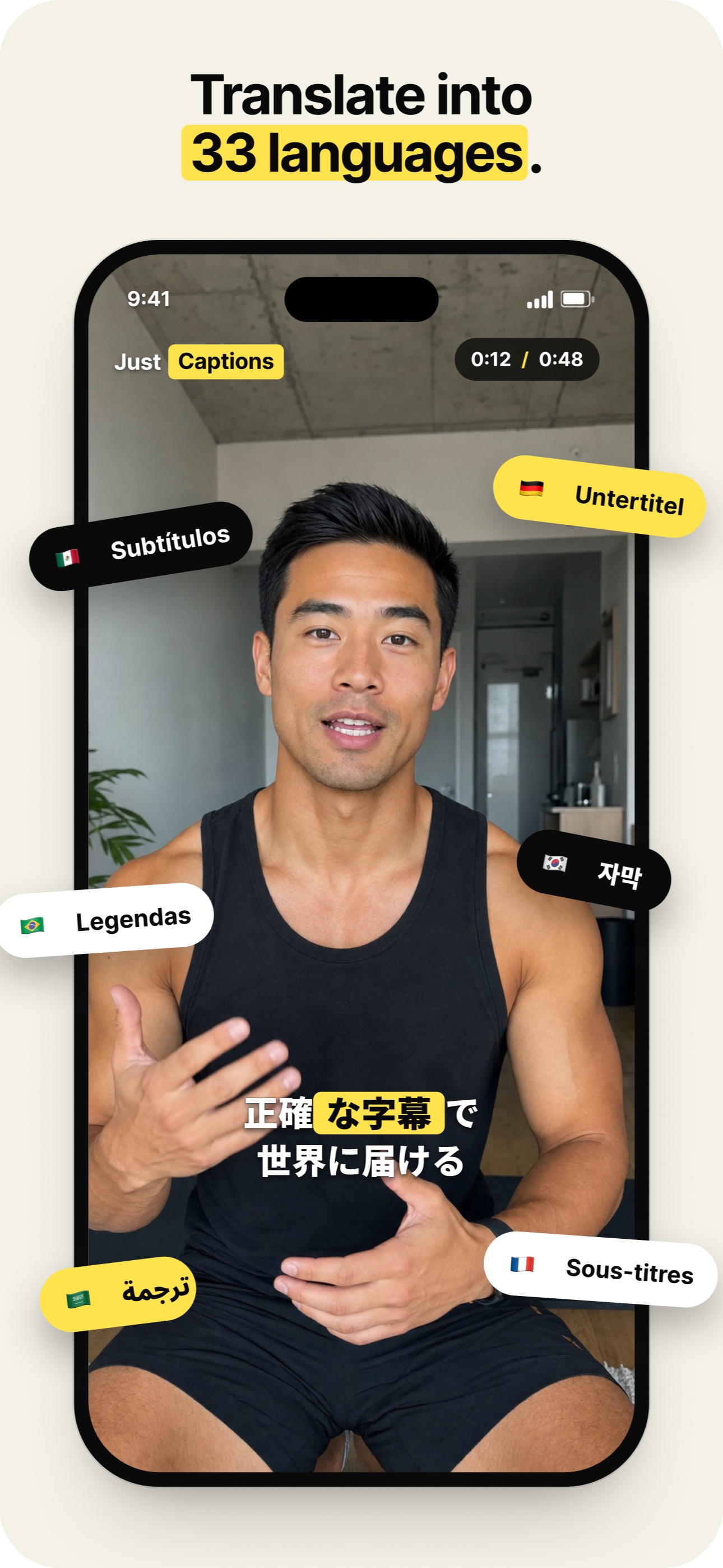
Choose static styles for simple captions or Pro animated styles such as Word Highlight, Pop In and Typewriter. Try one Emoji video export free.
Got a tricky name, slang, or product term? Tap any line to edit it, and AI Correct cleans up misheard words across the whole clip so you don't have to chase every instance.
Shot a week of content in one sitting? Queue up to 20 clips, pick a style once, and let Just Captions work through the whole batch while you do something else.
On-device transcription is available after the model download. Optional cloud recognition sends audio for processing; AI editing and translation send caption text. These online features need a connection.
On-device transcription is available after the model download. Optional cloud recognition sends audio for processing; AI editing and translation send caption text. These online features need a connection.
Caption every Reel, TikTok and Short so the 85% watching on mute still get the hook.
Turn raw founder clips and UGC into on-brand, subtitled posts without a video editor.
Cut audiograms and episode clips with accurate captions that bring in new listeners.
Make lessons and explainers accessible with subtitles that are clear and easy to read.
Speech to subtitles, timed to the word, automatically.
Translate captions for another audience.
Readable styles tuned for vertical video.
Fix any word inline — AI Correct handles the rest.
Queue up to 20 clips and walk away.
On-device recognition works offline after model download. Cloud and AI features need internet.
Portrait, square or landscape — safe zones respected.
One file, captions baked in, ready to post anywhere.
Teach it your names, brands and slang once.
Three videos a day free, no card, on-device transcription available. Drop in a clip and watch the captions write themselves.
Just Captions 2.6: three videos a day free, with a watermark. Choose from 15 styles: seven static styles are free; animated styles require Pro, with one free single-video Emoji export. Pro removes the watermark. On-device transcription is available after the model download. Optional cloud recognition sends audio for processing; AI editing and translation send caption text. These online features need a connection.
Compare options for your workflow: Captions app alternative, Submagic alternative, or CapCut alternative for captions.