01. Separate language from access to sound.
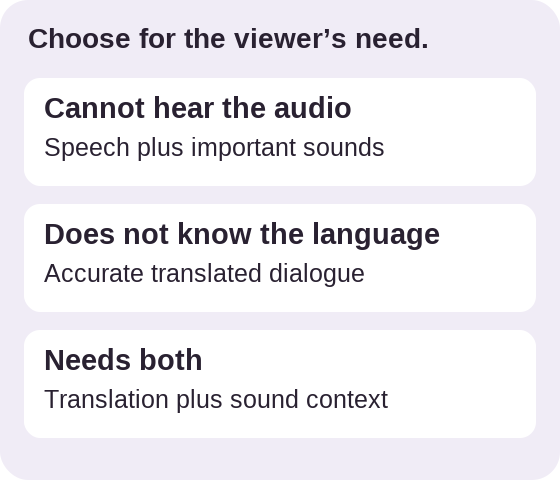
In the terminology used by W3C WAI, captions represent speech and meaningful non-speech audio, usually in the spoken language. Subtitles often mean translated dialogue. In some regions, “subtitles” covers both. Ask what the text includes instead of relying on the label alone.
W3C WAI explains this regional terminology.
| Viewer needs | Include | Do not assume |
|---|---|---|
| Access without sound | Dialogue, speaker clues and relevant sounds | A transcript of speech is complete |
| Another language | Reviewed translation with matching timing | Translated words cover sound context |
| Both | Translation plus meaningful audio information | One label guarantees accessibility |
02. The same moment can need different text.
Imagine an off-screen person says, “Come in,” just after someone knocks. The following text is an original teaching example, not a measured App result.
Come in.
The words are present, but the knock and the off-screen speaker may still be unclear.
[knocking]
Alex: Come in.
Use a name only when the viewer can know it. Include the knock if it matters to understanding the scene.
A translated version might say “Entre.” It still needs timing review, and may need a translated sound description and speaker clue for viewers who cannot hear.
Section508.gov’s caption guidance covers important sounds, speaker identification and synchronization. This example is a writing choice, not a universal style rule.
03. Content and delivery are different decisions.
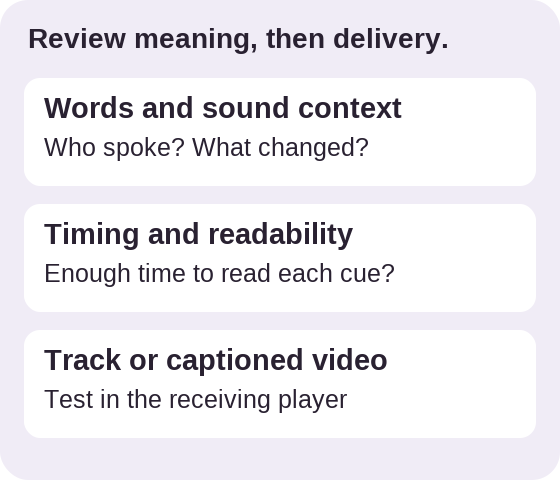
A separate caption track can be switched on or off when the player supports it. Text embedded into the picture stays visible. Either can contain captions or translated subtitles. These are delivery choices, not different levels of accuracy.
For a supported destination, its built-in caption editor may be enough. Review the generated speech, add missing context, and preview the actual player. A separate text file alone is not a captioned video.
App facts checked against the US listing, version 2.8 on October 25, 2026. Just Captions is made by Space Sheep Studio. For the website edition on Mac, see Just Captions for Mac.
Next: choose SRT or VTT for a separate track, or learn about embedding text into the video.