01. Start with where the video will go.
Your editor or upload form asks for SRT?
Use SRT. Keep the matching video alongside it.
Adding a text track to an HTML video?
WebVTT is the format used by the HTML <track> element.
Neither format is accepted?
Check the destination’s requirements. A captioned video export may be the right delivery instead.
Format references: Library of Congress: SRT and W3C: WebVTT.
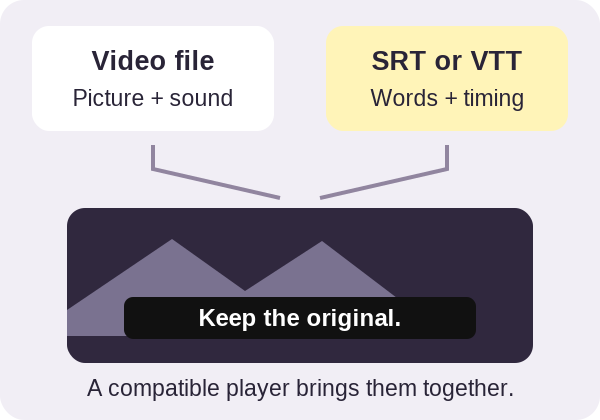
02. Same subtitle. Different file syntax.
This original example displays the same words from one second to four seconds.
SRT
1
00:00:01,000 --> 00:00:04,000
Keep the original.
Numbered cue. Commas before milliseconds.
VTT
WEBVTT

00:00:01.000 --> 00:00:04.000
Keep the original.
WEBVTT header. Dots before milliseconds.
Syntax details: MDN WebVTT guide. Download example SRT · Download example VTT.
What stays the same, and what can change?
| Question | SRT | VTT |
|---|---|---|
| Text and timing? | Yes | Yes |
| Contains the video? | No | No |
| Millisecond separator | Comma | Dot |
| Advanced appearance | Player-dependent | Supports cue settings and styling; player support varies |
Neither extension guarantees your app’s animated styles will transfer. Preview the file in the receiving player.
03. A quick check before delivery.
Working on Mac? See Just Captions for Mac and check the available export options for your edition. This guide does not claim the app exports VTT.