Start time. End time. That’s a cue.
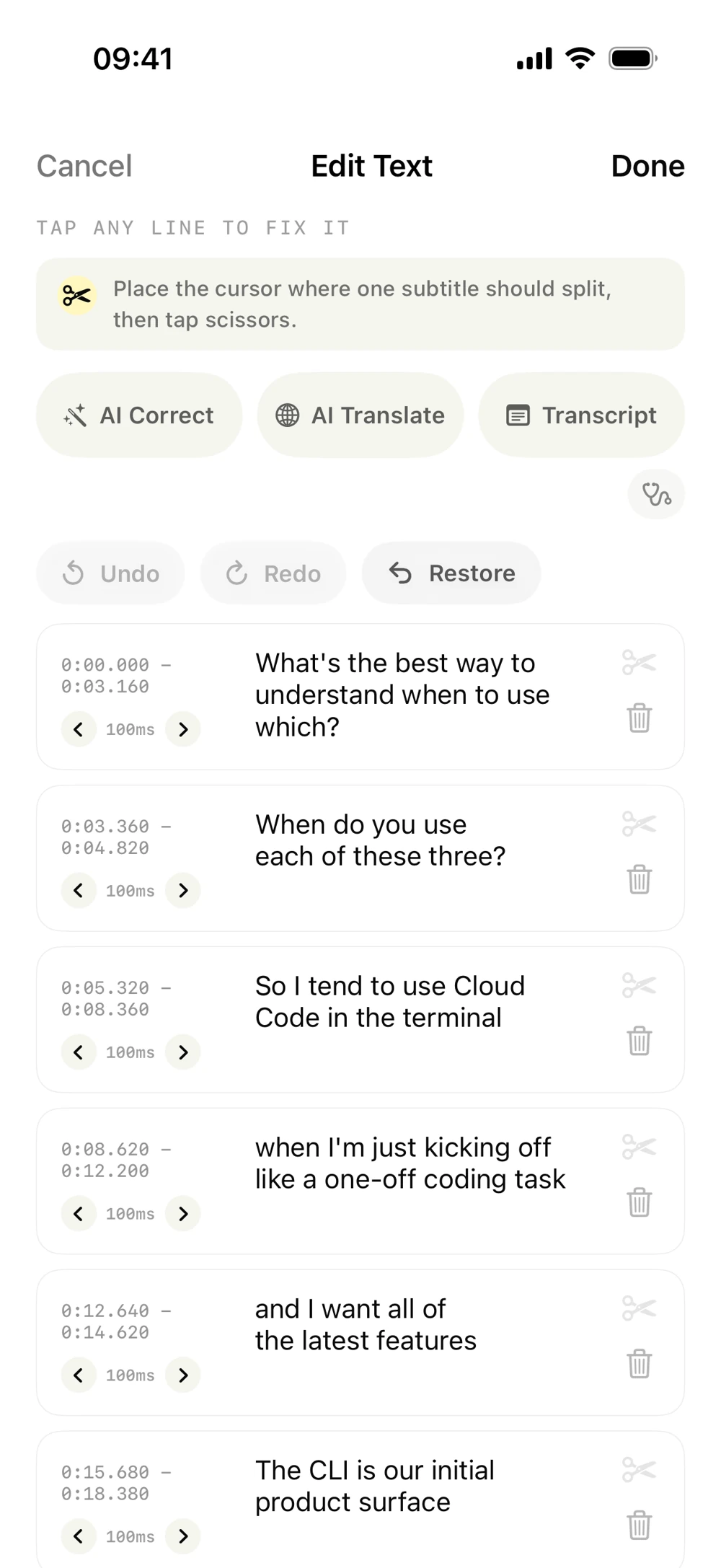
The first line shown runs from 0:00.000 to 0:03.160. That means it is scheduled for the first 3.16 seconds.
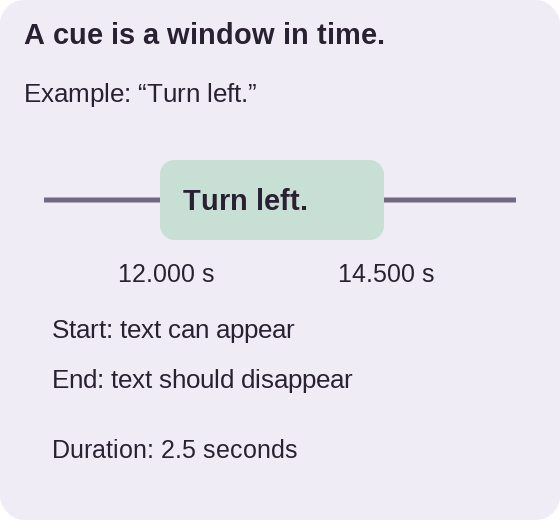
Which kind of timing problem?
- One line is wrong: check that line’s times.
- Every line is equally late: test a measured time shift.
- The gap grows: check for a speed change or a different video edit.
For example, speech at 12.0 seconds with a caption at 12.8 is 0.8 seconds late. Check the middle and end before shifting every line. Keep a copy of the original file.
Listen. Watch. Then export.
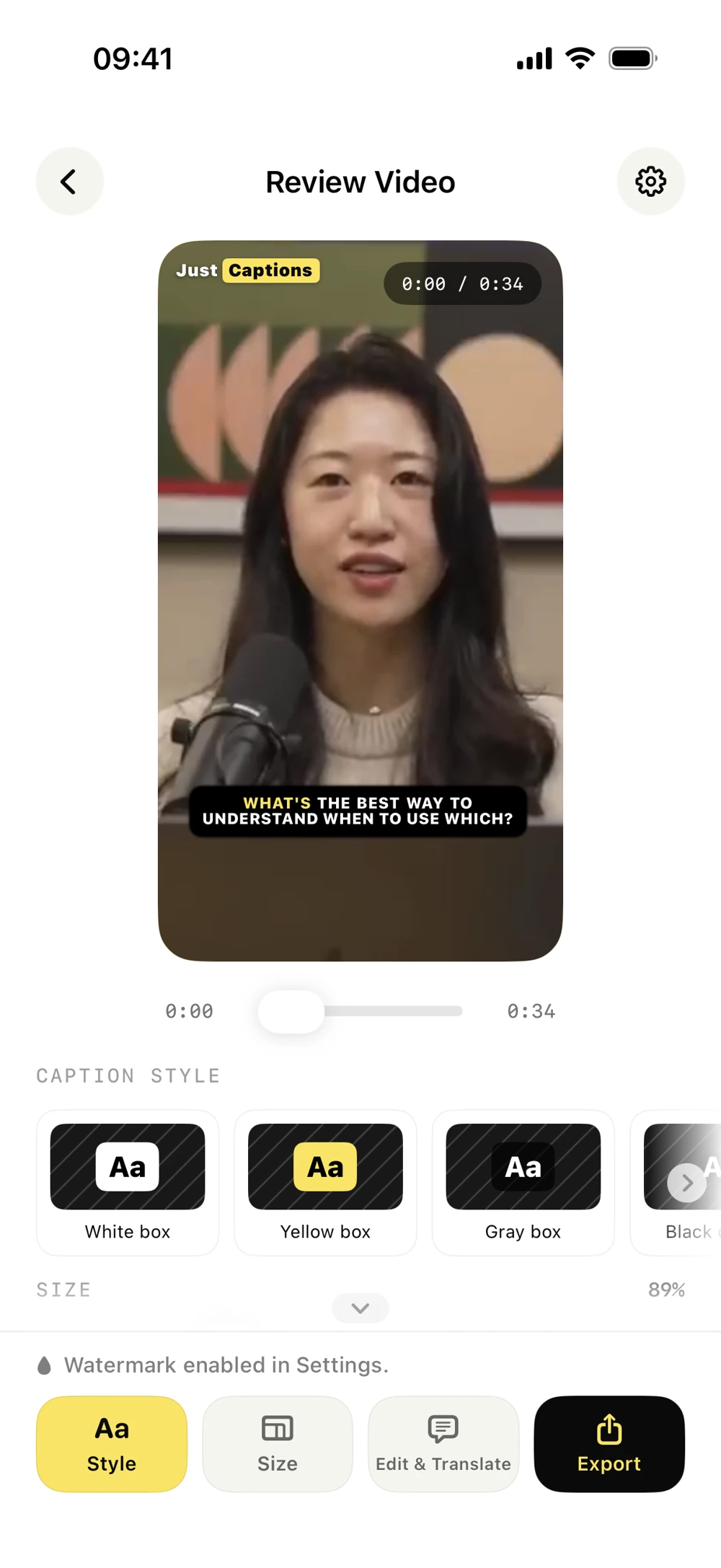
Replay the start, middle and end. Then check the exported copy in the player where people will watch it.
Subtitle Maker: Just Captions creates and reviews captions on iPhone. For a whole-file offset or drift fix, use an editor that supports that operation.
Sources: WebVTT timings, caption synchronization. More: SRT vs VTT. Mac edition. Screenshots show an earlier iPhone UI. Made by Space Sheep Studio.